
Current position
See location, direction, speed, and status for connected vehicles.
See what is moving, stopped, offline, or needs attention from a map designed for fast operational decisions.
Filter vehicles, inspect live status, search by name, and open the details that matter. Spectrum Tracking keeps current activity and deeper history connected.
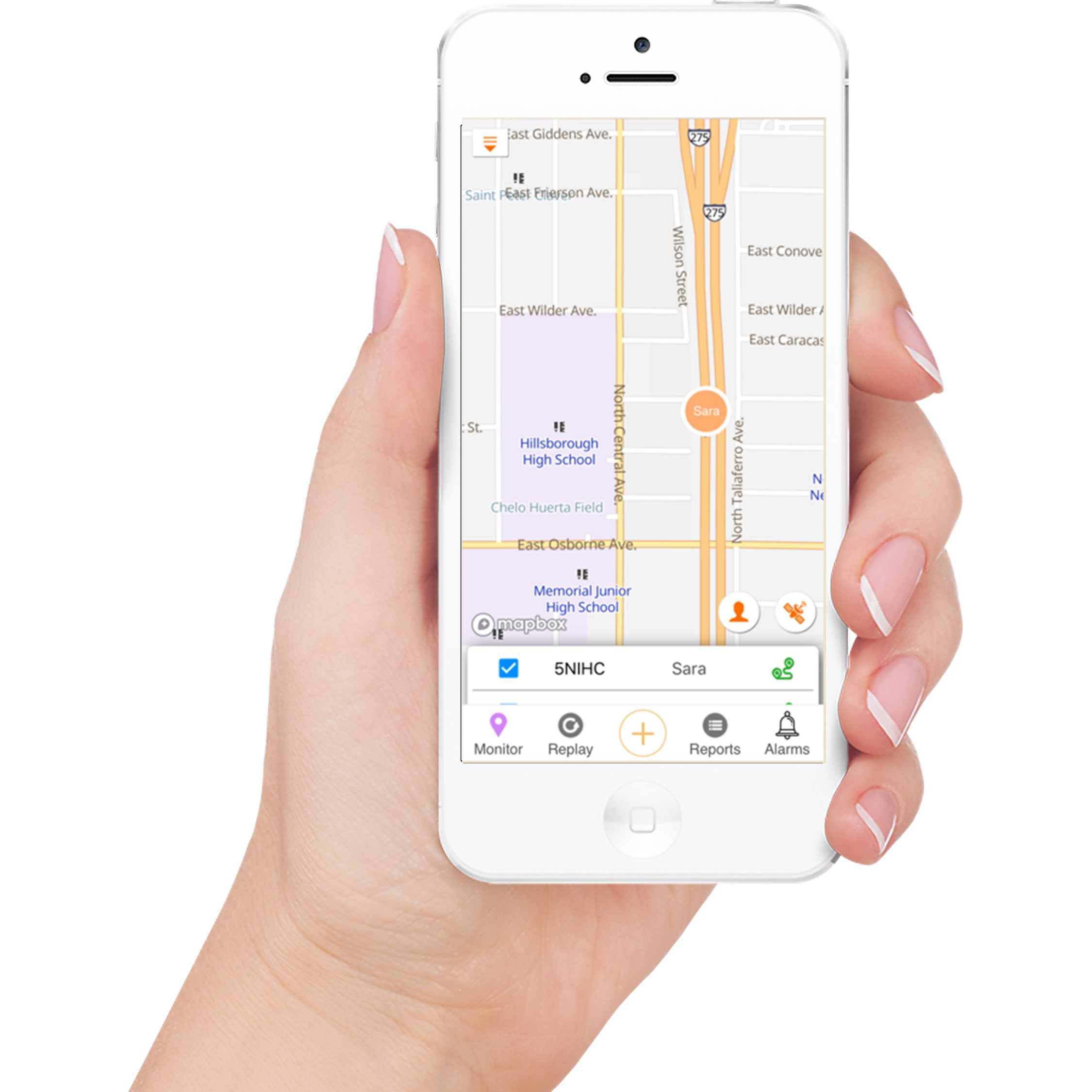
See location, direction, speed, and status for connected vehicles.
Find a specific driver, vehicle, group, or asset without scanning the entire fleet.
Switch map context based on the question your team is answering.
Check fleet status away from the dispatch desk.
Open recent activity, diagnostics, and configured information from the map.
Move from a notification directly to the vehicle and event context.
Update frequency depends on the hardware, selected plan, coverage, and vehicle conditions.
Yes. Spectrum Tracking provides mobile access for supported iOS and Android devices.
Fleet organization and filtering features help teams focus on relevant vehicles and assets.
Tell us what you track, how your team works, and what you need to improve. We will tailor the walkthrough to your use case.